
DCIM in Data Centers: Advanced Infrastructure Management, KPI Tracking, and Integration Strategies for 2025
–
- What DCIM actually does on a live floor (not brochure talk)
- Architecture that holds up under audits (data model first, dashboards last)
- KPIs that matter (ISO/IEC 30134 series) and how DCIM actually computes them
- Capacity planning that avoids painful rework (space, power, cooling, weight)
- Thermal monitoring that doesn’t cry wolf (and how lighting helps find hot spots)
- Security, access, and workflows (closing the loop from alarm to action)
- Selecting a DCIM tool (fit to your stack, not the other way round)
- Implementation roadmap with pitfalls and the ROI proof everyone asks for
- Frequently Asked Questions (FAQ)
Key Takeaways
| Feature or Topic | Summary |
|---|---|
| Integration Benefits | Energy savings, streamlined operations, enhanced monitoring, and predictive maintenance. |
| Key Protocols | BACnet, Modbus, SNMP ensure interoperability. |
| Implementation Strategies | Assess existing infrastructure, select compatible systems, phased deployment recommended. |
| Operational Advantages | Reduced downtime, improved safety, occupant comfort, and significant sustainability contributions. |
1) What DCIM actually does on a live floor (not brochure talk)
DCIM pulls many quiet streams of data into one place: rack assets, power draw per breaker, inlet temperatures, airflow pressure, door states, badge events, and network patch mapping. Done right, it becomes the control room’s second set of eyes. In 2023, I walked into an ops bridge where a single stuck CRAC valve was invisible in the BMS, but DCIM flagged a weird delta between return temperature and fan RPM trends. That caught a slow failure before it became a ticket-storm.
- Asset truth: what is in each U, its power draw, and which PDU/UPS/genset path feeds it.
- Capacity planning: space, power, cooling, and weight limits by row/pod.
- Thermal monitoring mapped to ASHRAE classes, not just a wall of numbers.
- Workflow hooks: changes, installs, decommissions, and approvals that match the floor.
- Reporting you can hand to audit without squirming.
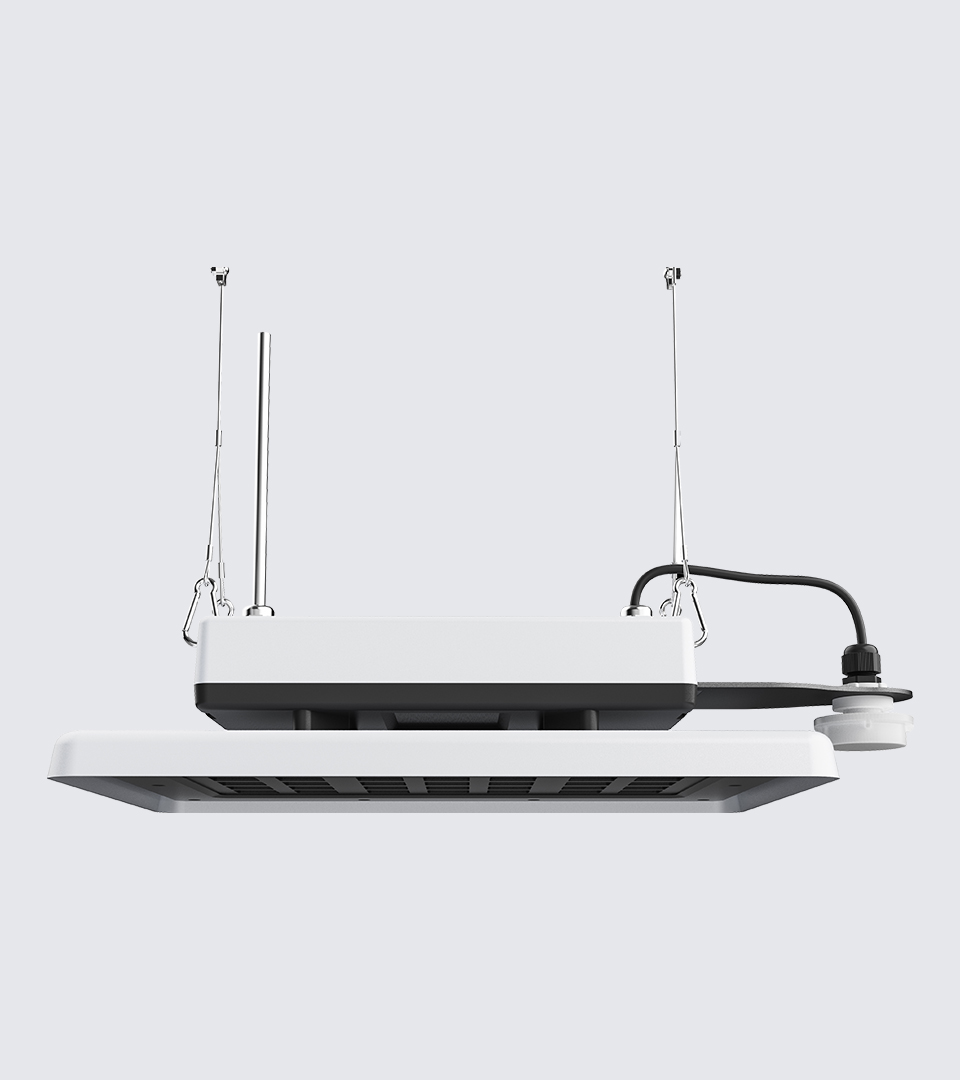
Lighting ties in more than folks expect. Fixtures with occupancy and temp sensing tell you if an aisle is hot, empty, or just under-lit. Aisle-level data from luminaires like Squarebeam Elite or Quattro Triproof Batten helps validate CFD assumptions and reveals dead zones operators only “felt” before.
2) Architecture that holds up under audits (data model first, dashboards last)
Start with a minimum viable data model that mirrors how the facility actually breathes:
- Power chain: Utility → Switchgear → UPS → PDU → Rack PDU → IT loads.
- Cooling chain: Chillers/CRAC/CRAH → containment → aisle probes → server inlets.
- Network & patching: ports, trunks, labels, and change tickets that match reality.

A clean architecture lets DCIM compute KPIs and drive alarms without glue code falling apart. I’ve seen teams spend months prettying dashboards while their asset registry drifts. Flip that: lock the schema and naming (racks, PDUs, breakers, ports). Get badge/access events and camera timestamps aligned with DCIM’s clock; otherwise, forensics get weird fast.
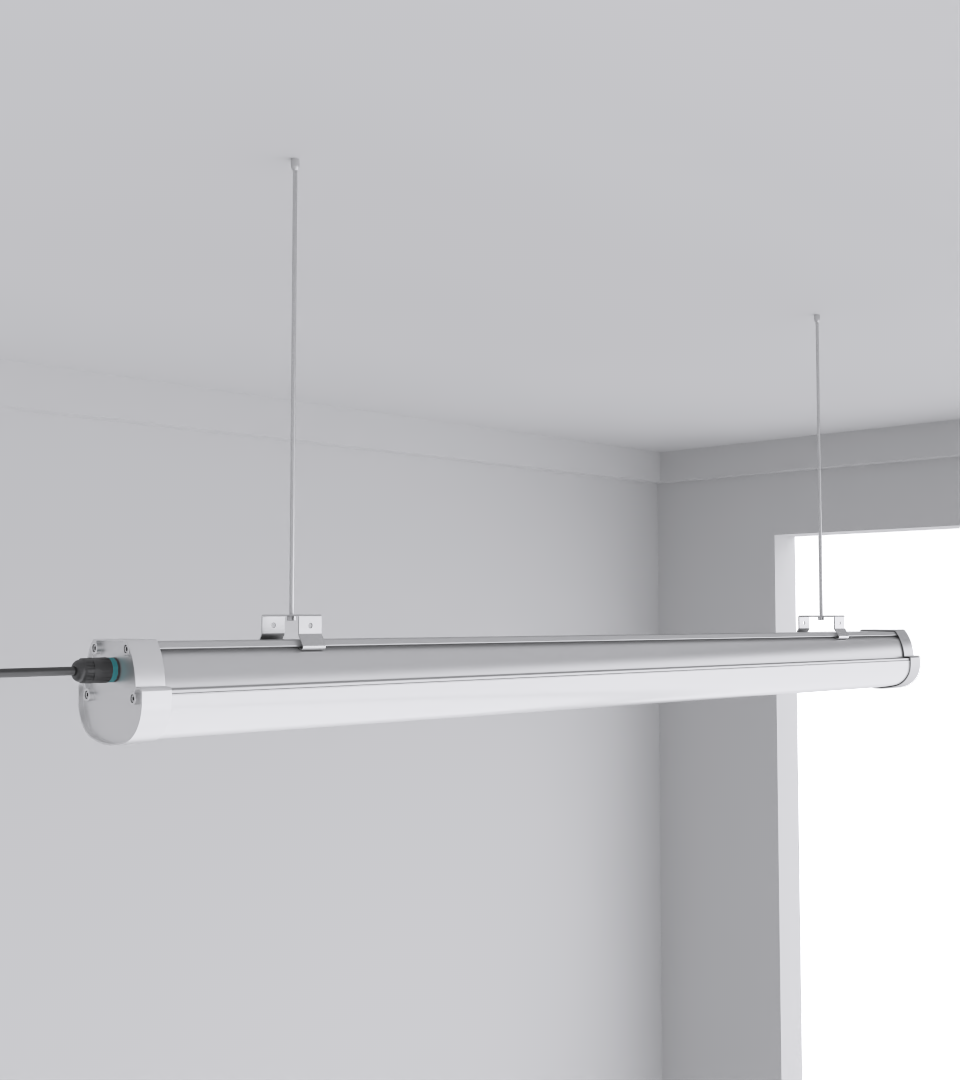
Where lighting helps the model: fixtures in cold aisles can be low-overhead sensor hosts. Motion data confirms actual human presence for after-hours access checks, and temperature telemetry augments inlet probes. For durable hardware in damp or washdown areas, use Quattro Triproof Batten to keep sensors protected.
3) KPIs that matter (ISO/IEC 30134 series) and how DCIM actually computes them
You’ll meet these sooner than later: PUE, WUE, CUE, ERE, ERF. DCIM doesn’t invent numbers; it aggregates the right meters, applies accepted formulas, and tracks trends by site and time window.
| KPI | What it measures | Typical DCIM inputs | Practical note |
|---|---|---|---|
| PUE | Facility energy / IT energy | UPS outputs, IT load per PDU | Normalize for weather or you’ll chase ghosts |
| WUE | Water per IT energy | Chiller water make-up meters | Cooling tower ops change this a lot |
| CUE | Carbon per IT energy | Grid emission factors + energy | Varies hourly with the grid mix |
| ERE | Energy reuse | Heat capture meters | Only if you actually reuse heat |
| ERF | Reuse fraction | Heat reuse / total energy | Useful in colder regions |
Lighting energy should sit in facility energy, and DCIM can show reductions when switching from legacy tubes to high-efficiency battens like SeamLine Batten. Bonus: occupancy sensors cut idle draw and give you verified off-hours patterns.
4) Capacity planning that avoids painful rework (space, power, cooling, weight)
The trick is to plan across four lanes at once and make them visible in one view:
- Space: U availability by class (high-density vs. standard).
- Power: breaker and phase balancing, rack PDU headroom with safety margin.
- Cooling: delta-T health, containment status, stranded tonnage.
- Weight: floor loading by tile or slab (don’t guess).
A DCIM that maps these together lets you answer “can we land this kit here?” without three meetings. I’ve moved clients from spreadsheet-mashups to DCIM with what-if placement. It stopped a recurring fiasco where a rack looked fine on power, but the cooling map said “nope.” Thermal telemetry from fixtures (good line-of-sight to aisle) tightens the model; Squarebeam Elite does well where you need consistent illumination for camera analytics too.
5) Thermal monitoring that doesn’t cry wolf (and how lighting helps find hot spots)
Rely on inlet temperatures aligned to ASHRAE’s recommended classes (A1–A4). Flood graphs are fine, but thermal maps over time catch patterns your eyes miss. Aisle lighting with integrated sensors gives you more points without cable spaghetti. I’ve used triproof fixtures, like Quattro Triproof Batten, to carry wireless temp/occupancy nodes in damp corridors; zero corrosion drama after year one.
- Alarm on rate of change and spatial correlation, not single sensors.
- Cross-check with occupancy; a busy maintenance window explains local spikes.
- Use containment state (doors open/closed) as a factor in alarm logic.
- Treat “missing sensor” as its own alarm; silence is not healthy.
6) Security, access, and workflows (closing the loop from alarm to action)
DCIM works best when it’s tied to ITSM (for tickets) and access control (for who was there). Door open too long? Create a change or incident automatically with rack ID and photos. Badge data + camera analytics + aisle lighting logs = a complete story. I’ve had auditors ask, “who approved that out-of-hours move?” With DCIM-ITSM linking, the answer stopped being a scavenger hunt.
- Pre-built templates for IMAC (install/move/add/change).
- Auto-populate work orders from rack context (no retyping).
- Required photos before close.
- SLA timers that start when the event happens, not when someone notices.
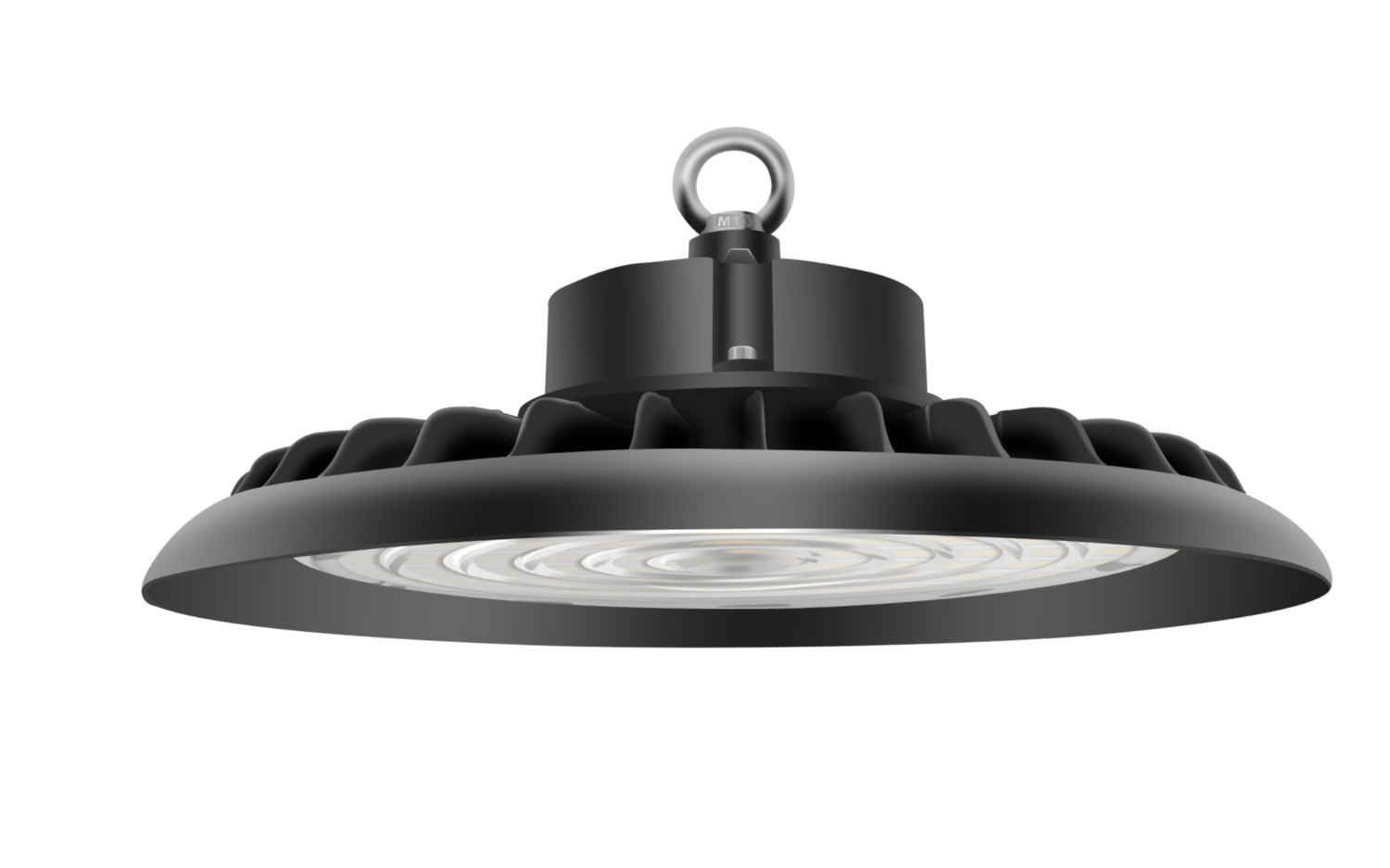
Lighting can support security in boring but useful ways: keep lux within spec for camera clarity, and run reduced-lux patrol scenes after hours. Fixtures like Squarebeam Elite keep uniformity high so OCR and badge video don’t smear.
7) Selecting a DCIM tool (fit to your stack, not the other way round)
You’ll see many solid platforms. The winner is the one that fits your constraints: integrations, data model, and reporting. A short, unforgiving checklist helps:
- API coverage (read/write) for BMS, CMDB, ITSM, metering.
- Data model flexibility: can you map your power/cooling chain without hacks?
- Reporting & exports you can hand to compliance (ISO 30134, DCOI, EU CoC).
- Usability for techs on the floor—fast search, barcode/RFID, offline notes.
- Scalability across sites without custom snowflakes.
Pilot with a single pod: import assets, wire meters, link tickets. Add lighting telemetry via a handful of SeamLine Batten units in the test aisle to prove value: occupancy-based energy cuts, better camera clarity, and temp cross-checks. Stakeholders react well to before/after charts, not promises.
8) Implementation roadmap with pitfalls and the ROI proof everyone asks for
A simple path that doesn’t collapse under real schedules:
Phase 0 — Baseline: lock naming, import current assets, map power and cooling chains, verify meters.
Phase 1 — Visibility: thermal maps, breaker views, ticket integration, basic KPI reports.
Phase 2 — Control loops: capacity planning, change workflows, automated alarms → work orders.
Phase 3 — Optimization: predictive maintenance, anomaly detection, cross-site benchmarking.
- Shadow spreadsheets that never die; kill them with better exports and fast search.
- Sensor sprawl with no owner; assign stewardship and audit quarterly.
- No playbook for each alarm; write “if-this-then-that” for top 20 events.
- Unverified savings; tie every initiative to meters and tickets.
ROI shows up as avoided outages, faster IMAC cycles, cut energy, and cleaner audits. Lighting plays into each: less rework when the aisle is visible, fewer trips when occupancy confirms access patterns, and measurable kWh drop from efficient fixtures like Squarebeam Elite or weather-tough Quattro Triproof Batten.
FAQs (quick answers)
What’s the fastest way to start with DCIM without stalling projects?
Pick one pod, map the power/cooling chain, import assets, wire three KPIs (PUE + inlet temp + breaker load), and link to ITSM. Prove value in 30 days.
How do lights actually help DCIM?
Fixtures with occupancy/temperature sensors add low-cost telemetry. They validate aisle temps, cut idle energy, and improve camera analytics with better uniformity.
Do I need every KPI (WUE, CUE, ERE, ERF) on day one?
No. Start with PUE and inlet temps. Add the rest when your meter and data model are stable.
How do I avoid noisy alarms?
Alarm on rate-of-change and correlation across nearby sensors. Treat missing data as an alarm. Tie each alert to a specific work order template.
What should I look for in a DCIM vendor?
APIs that fit your stack, flexible data model, audit-ready reporting, and proven integrations with your BMS/CMDB/ITSM.
Where can I learn more about lighting in data centers from the same source?
See the data center lighting guide and the broader data center lighting category.