
Still Confused About Data Center Lighting in 2025?
- Introduction and Common Areas
- Centrifugal UPS System Area
- Diesel Generator Infrastructure
- Cooling Systems Area
- Data Connectivity Infrastructure
- Network Hardware and Modularity Area
- Cooling and Air Handling Systems
- Security and Access Control Areas
- Data Center Lighting Requirements by Area
- Rack-Aisle Lighting Layout
- Data Center Lighting Controls
- Emergency Lighting
- Technical Standards and Their Scope
- Practical Data Center Lighting Design Example
- Common Design Mistakes
- Frequently Asked Questions
Data Center Lighting Design Guide: Lux Levels, Layout, Fixtures and Controls
Updated: September 2026
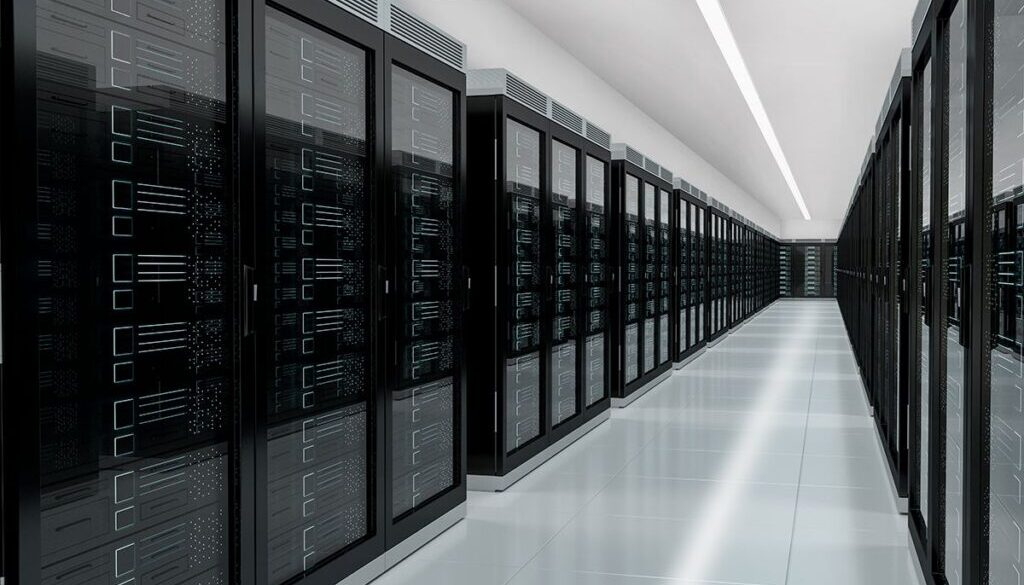
Data center lighting design must provide clear vertical illumination on rack faces while controlling glare, shadows, heat and unnecessary energy use. Most server and equipment areas require approximately 300–500 lux, while control rooms may require 500–750 lux with UGR below 19. A complete design must coordinate LED fixture placement with rack rows, cable trays, cooling systems, emergency circuits and occupancy controls.
Data centers contain several distinct working environments. An entrance lobby, UPS room, generator area, server aisle, network room and cooling plant do not have the same visual task or environmental risk. The lighting design should therefore follow the facility area by area, while applying one coordinated approach to photometrics, controls, emergency operation and maintenance.
The ranges in this guide are practical design targets rather than universal legal limits. The final specification must follow the adopted regulations, owner requirements, authority having jurisdiction and current editions of the standards applicable to the project location.
Key Takeaways
| Design question | Practical starting point |
|---|---|
| Server and equipment aisles | 300–500 lux, with vertical illumination checked on rack faces |
| Corridors | 100–200 lux with uniform coverage |
| Control rooms | 500–750 lux with low glare; target UGR below 19 where applicable |
| Color quality | CRI at least 80; CRI 90 preferred where cable colors must be identified |
| Color temperature | 4000–5000 K for technical work areas |
| Fixture protection | IP54 for many technical spaces; IP65–IP66 where moisture, dust or cleaning risk justifies it |
| Controls | Zone-based occupancy sensing, suitable time delays, manual override and DALI or 0–10 V as required |
| Emergency operation | Coordinate egress lighting with the emergency source and applicable life-safety code; 90-minute operation is common in US applications |
| Verification | Calculate horizontal and vertical illumination, then measure the completed installation |
1. Introduction and Common Areas
The entrance and common areas establish the first visual impression of the facility, but appearance is only one requirement. These spaces also support access control, visitor processing, wayfinding and movement between secure zones. Lighting should make people and identification points easy to see without producing glare on reception displays, security cameras or glazed partitions.
Entrance and reception lighting
Use uniform, low-glare LED panel or linear lighting for reception desks, waiting areas and transition corridors. A softer architectural treatment can be used in the public-facing entrance, but circulation routes and access-control devices must remain easy to identify.
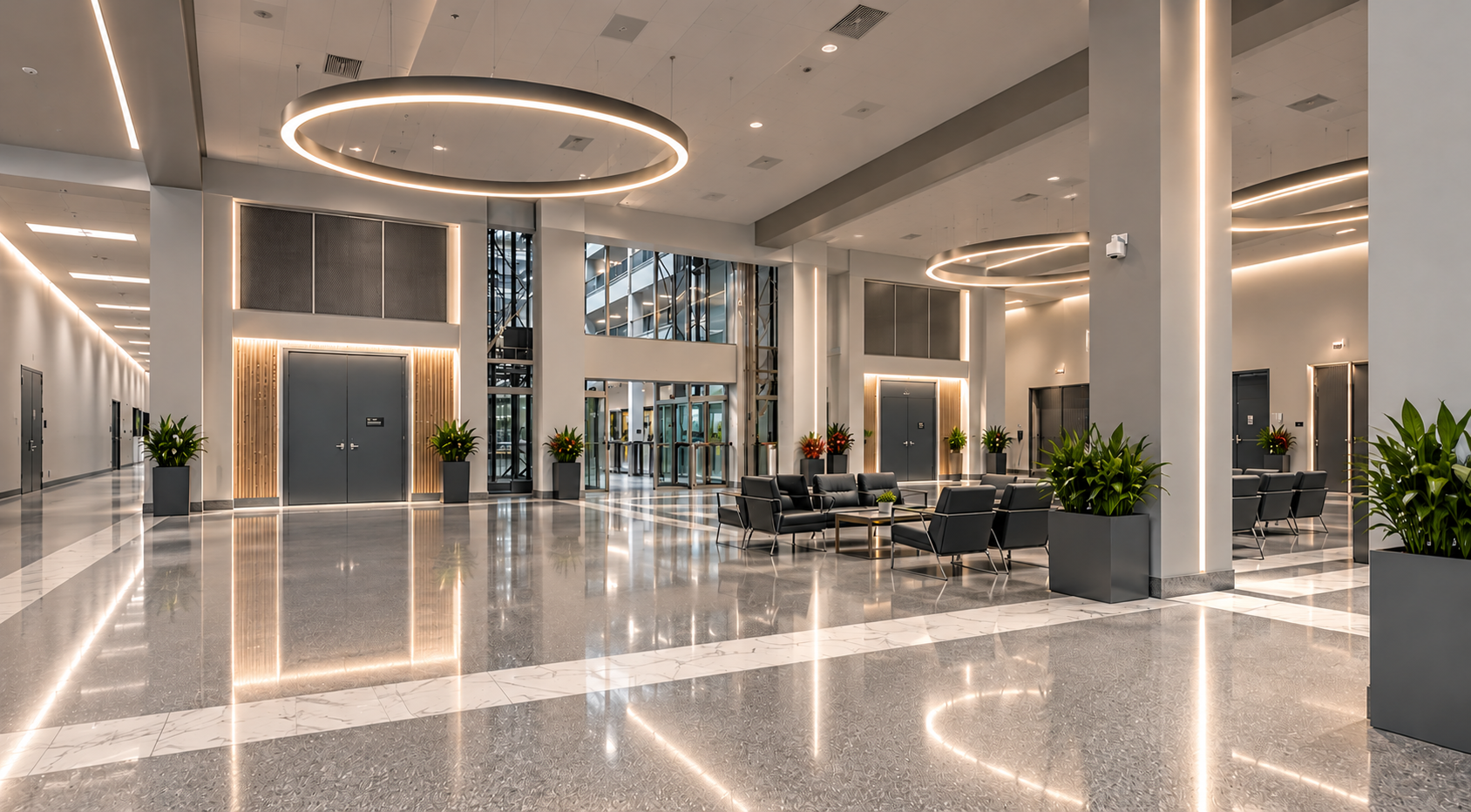
For an entrance or common area, consider:
- Uniform illumination with limited dark corners.
- Clear light on faces at reception and badge-check points.
- Controlled reflections on glass, monitors and polished surfaces.
- Coordination with CCTV camera views.
- Emergency signage and the egress route.
- Separate controls for daylight zones, waiting areas and circulation routes.
General corridors commonly use 100–200 lux as a practical design range. Reception and working areas may need more, depending on the task. Lighting levels should transition gradually between the entrance, security checkpoint and technical zones.
Control rooms and NOCs
Control rooms require more careful glare control than ordinary common areas. Operators may work at screens for long periods while also reading printed documents, alarm panels and wall displays. A practical target is 500–750 lux for detailed work, with dimming and task-based scenes. Where the project uses Unified Glare Rating, UGR below 19 is a suitable target for screen-intensive work.
Place luminaires so bright sources are not reflected in monitors. Use diffused linear fixtures or low-glare LED panels rather than exposed high-intensity optics. Dimming should allow operators to reduce ambient light without losing safe circulation or document visibility.
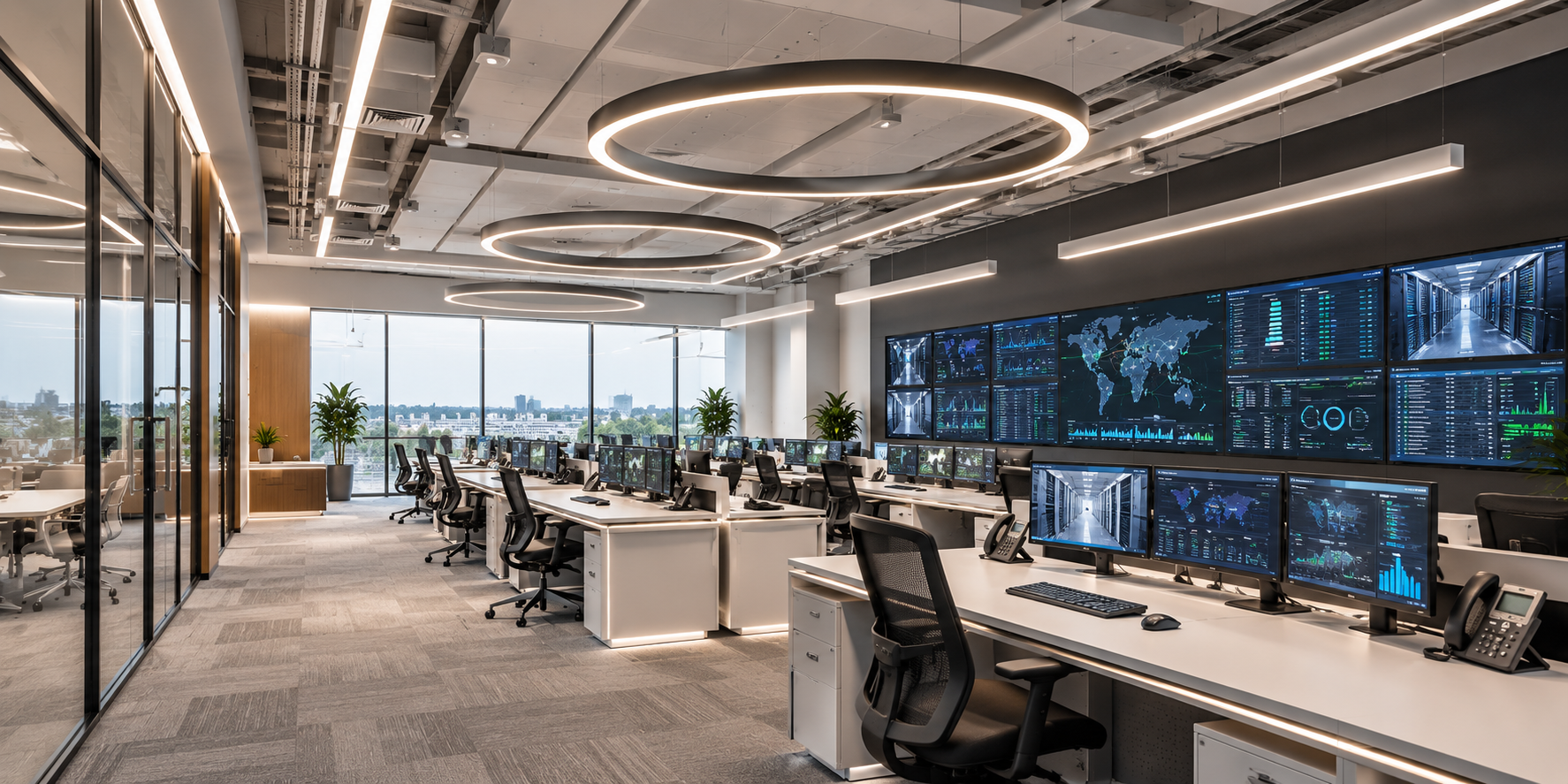
Recommended fixture approach
- Low-glare panels or linear fixtures for control rooms.
- Architectural panels or linear luminaires for reception and common areas.
- Occupancy or scheduling controls for intermittently used meeting and support rooms.
- Dedicated emergency luminaires or approved emergency versions along the egress route.
2. Centrifugal UPS System Area
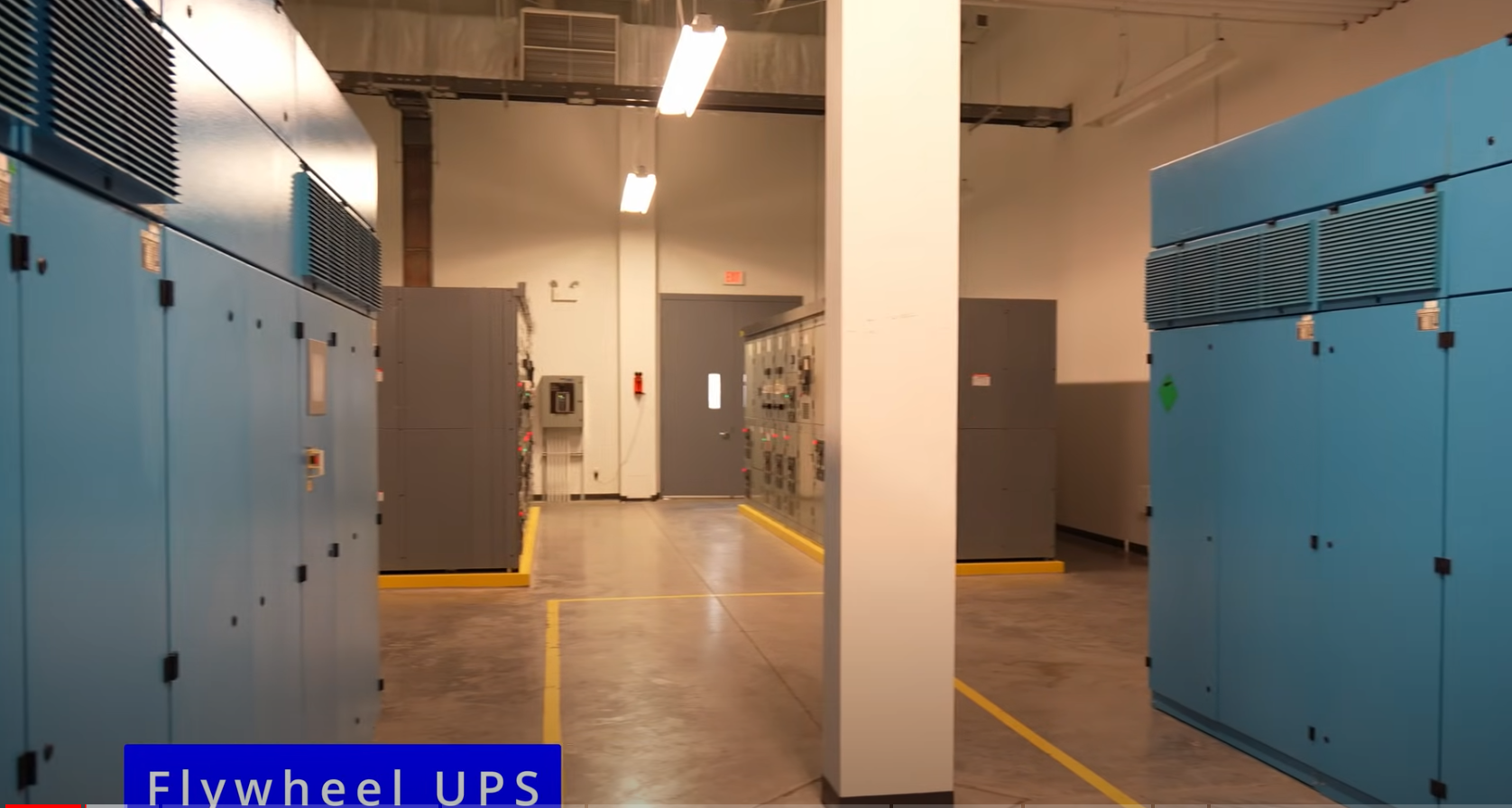
The UPS area supports power continuity and may contain switchgear, battery interfaces, cabinets, monitoring equipment and service clearances. Lighting should help technicians read panel labels, meters and warnings while keeping the floor and access route visible.
Lighting target and visual tasks
A practical maintained illuminance range is 300–500 lux, subject to project criteria. Check light on vertical equipment faces, not only on the floor. Local task lighting may be appropriate where detailed inspection occurs, but it should not obstruct clearances or create glare on displays.
Fixture selection
Use durable LED linear fixtures or suitable high-output luminaires based on ceiling height and room geometry. A big power linear high bay may suit a tall, open UPS hall. A lower-mounted linear batten is usually more appropriate where equipment rows, trays or busways interrupt the beam.
Specify:
- CCT of 4000–5000 K.
- CRI of at least 80.
- IP rating appropriate to dust and room conditions.
- Driver PF of at least 0.9 and THD below 20% as project targets.
- Emergency configuration and circuit designation.
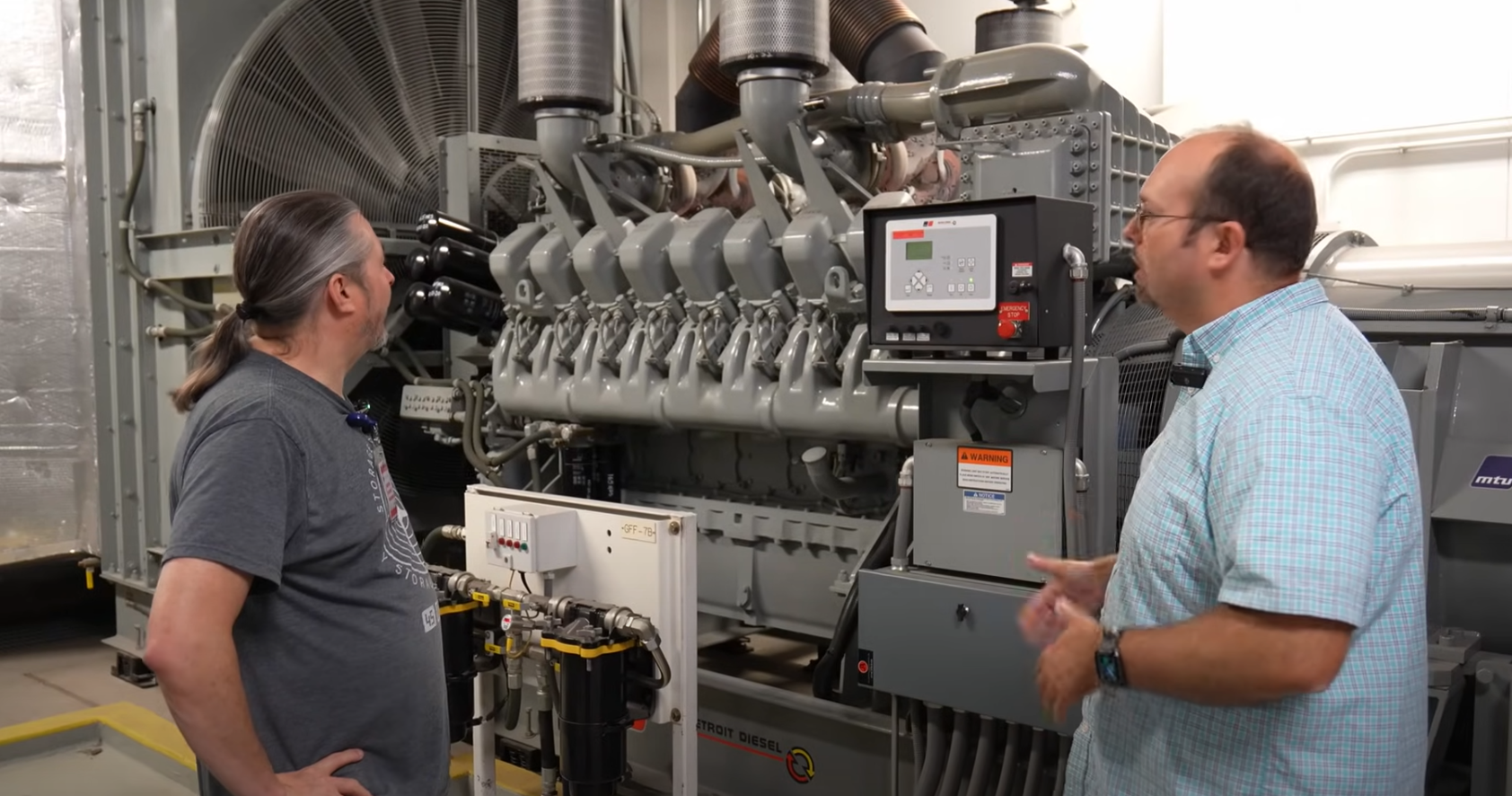
3. Diesel Generator Infrastructure
Generator spaces introduce vibration, noise, heat, fuel systems and demanding maintenance tasks. The lighting design should support safe inspection and operation while matching the electrical classification and environmental conditions of the specific room.
Do generator rooms always need explosion-proof fixtures?
No. A diesel generator room does not automatically require explosion-proof lighting. Hazardous-location requirements depend on the fuel arrangement, ventilation, room classification and applicable electrical code. The project’s electrical engineer or authority having jurisdiction should determine whether any part of the space is classified.
Where the room is classified, use luminaires certified for the exact zone, division, gas group and temperature class required. Do not describe a standard industrial high bay as explosion-proof unless its certification explicitly supports the application.
Normal lighting design
Use robust fixtures with secure mounting and suitable vibration resistance. A high-bay product such as CAE’s Quattro Triproof Batten can be considered in a tall, non-hazardous open room, subject to its certified ratings and the photometric calculation. Lower mounting or supplementary task lighting may be needed around control panels and service points.
Key checks include:
- Maintained illumination on the floor and generator-control interfaces.
- Vertical light on panels, gauges and warning labels.
- Vibration resistance and secure mounting.
- Dust, moisture and corrosion exposure.
Emergency lighting
Provide emergency illumination along the exit path and at essential operating points where required by the emergency plan. Verify the light level using the rated emergency-mode output rather than the normal lumen value.
4. Cooling Systems Area
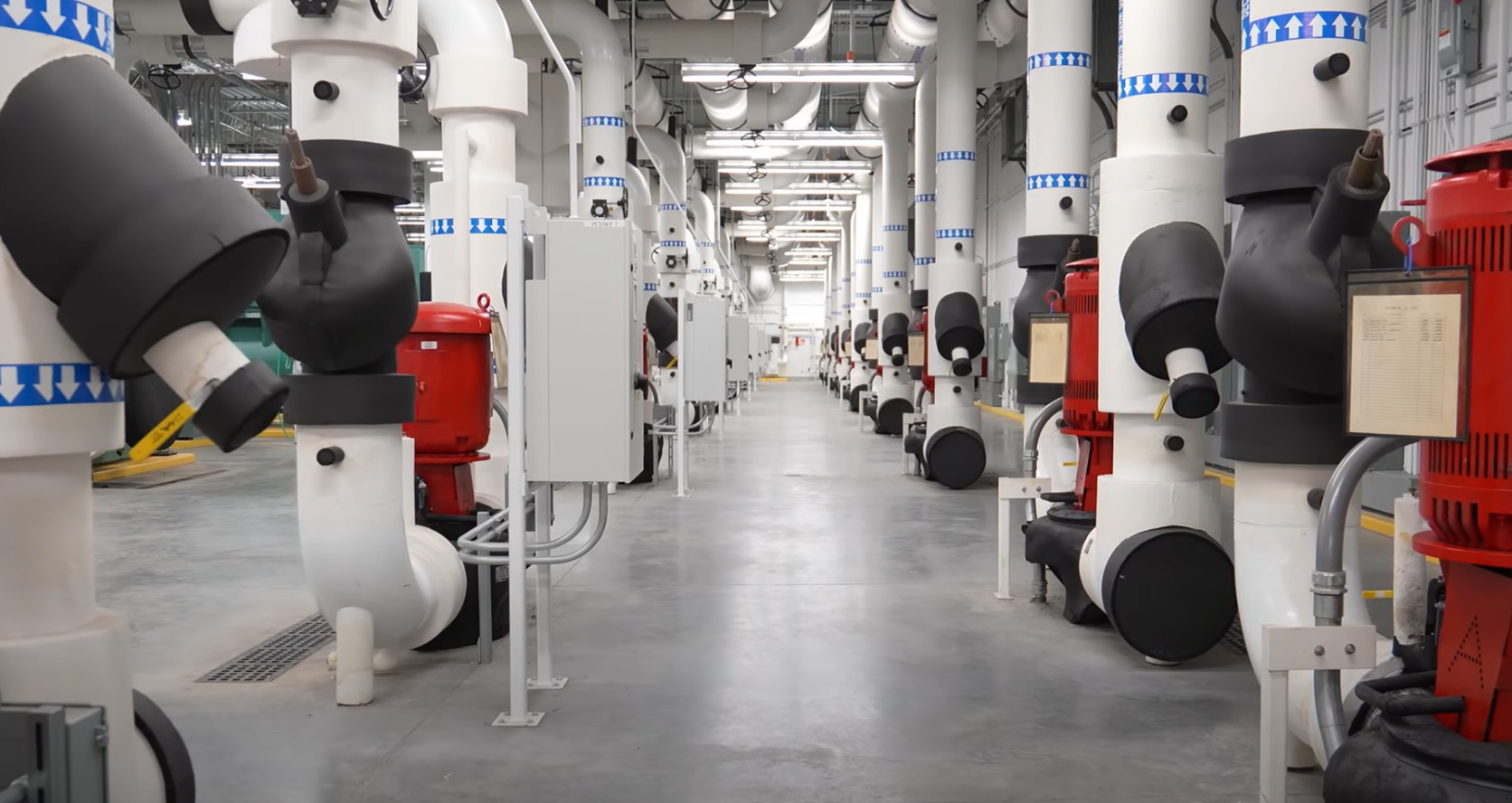
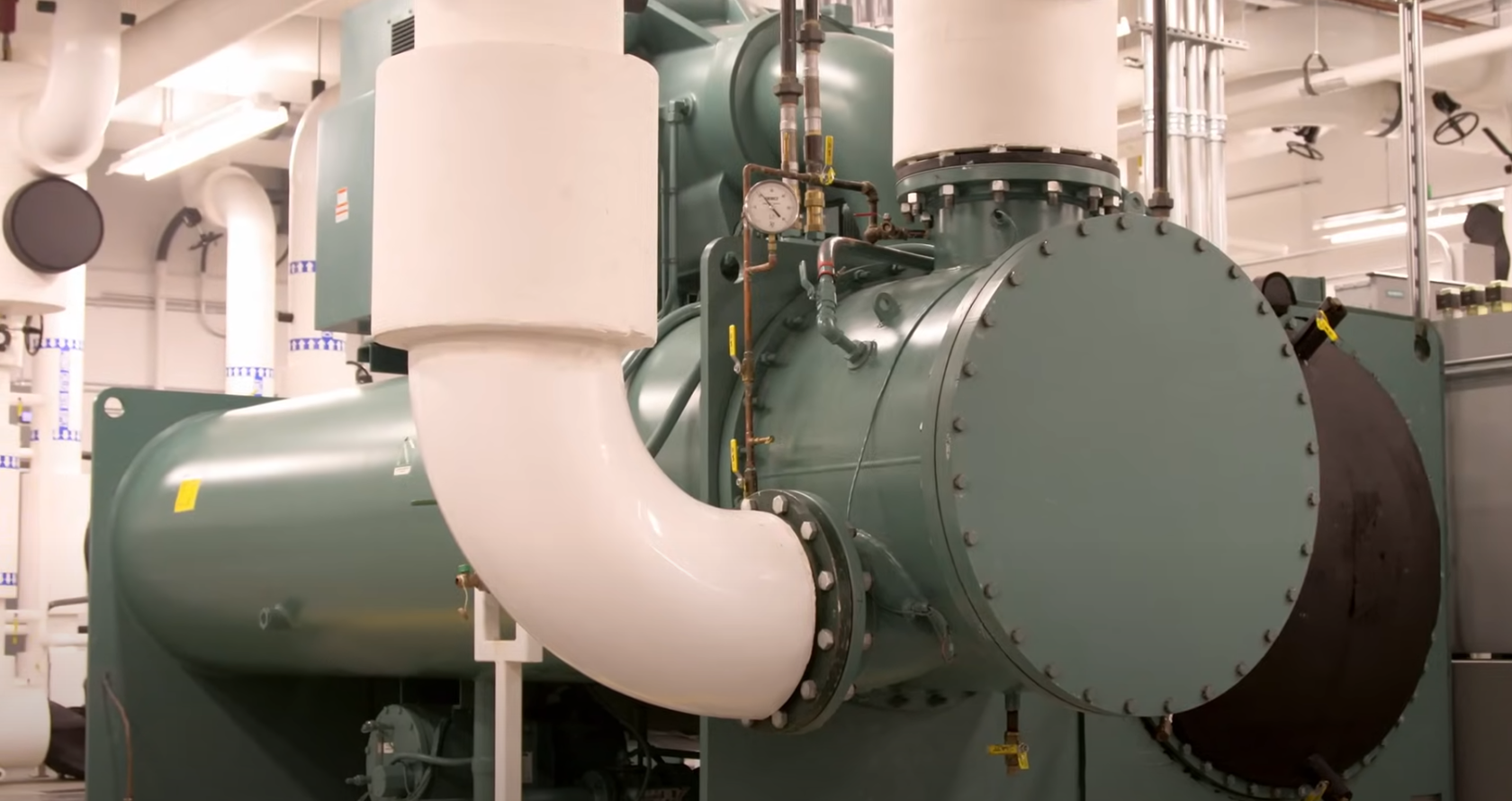
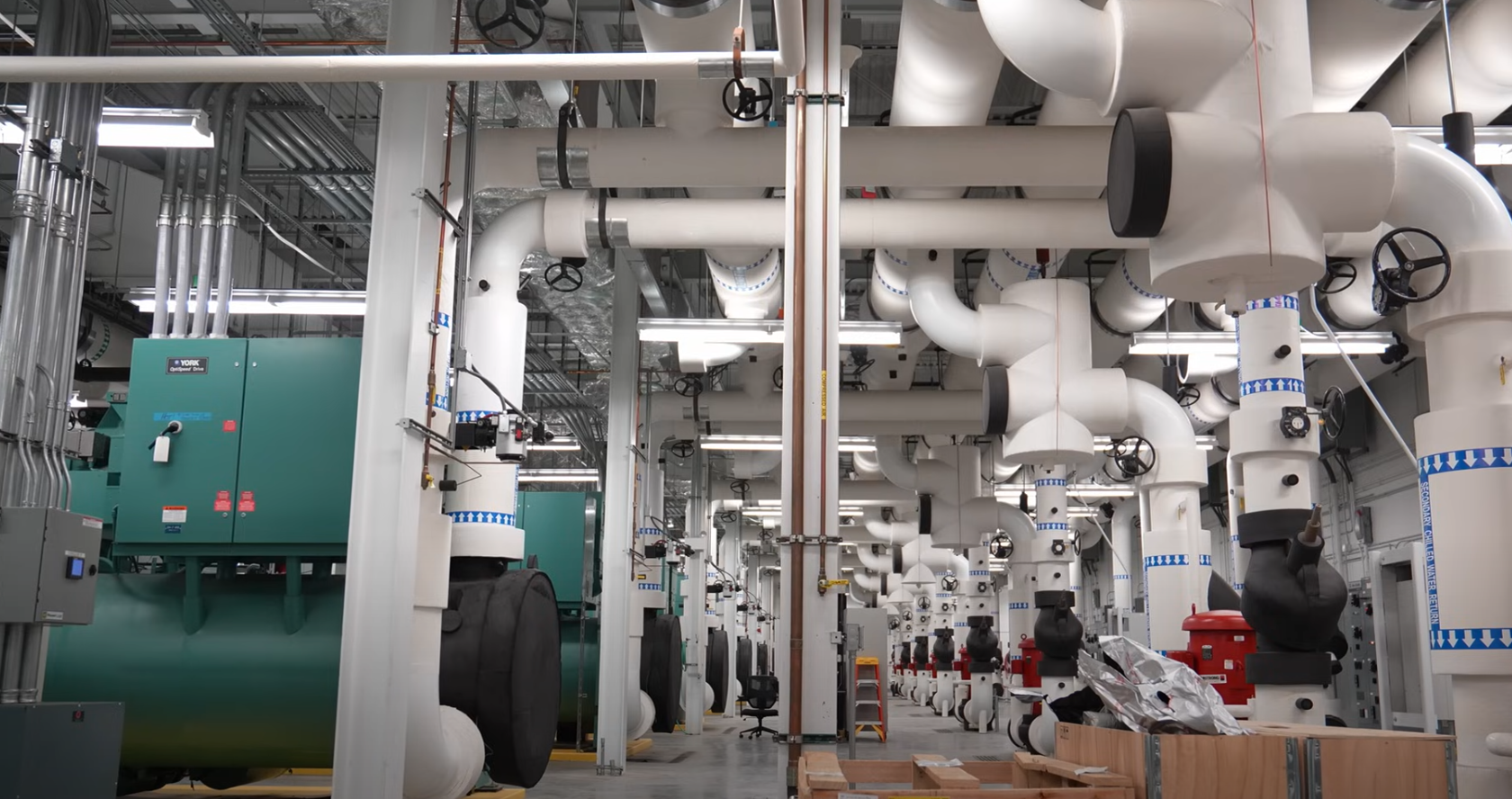
This section covers cooling-plant spaces containing pumps, chillers, heat exchangers, pipework or water-related equipment. Section 7 separately addresses air-handling equipment and CRAC/CRAH service areas. Keeping these two applications distinct removes the overlap in the original article.
Environmental protection
Cooling-plant spaces may expose fixtures to humidity, condensation, dust or occasional water. IP65 luminaires (waterproof)are appropriate where the risk assessment justifies that protection. CAE’s SeamLine-Batten IP65 version is suited to humid or exposed mechanical applications, subject to the selected model’s temperature, chemical and installation limits.
An IP rating alone does not prove complete suitability. Confirm:
- Ambient-temperature range.
- Cable-gland and connector protection.
- Corrosion or chemical exposure.
- Impact risk and required IK rating.
- Emergency and control compatibility.
Lighting target and maintenance access
A practical maintained range is 200–300 lux for general mechanical access, with higher local illumination where technicians read instruments or perform detailed maintenance. Place fixtures so pipework and ducts do not shadow valves, gauges, pump skids and electrical interfaces.
The lighting layout should preserve equipment-removal paths. A fixture that performs well photometrically but blocks lifting or service access is not a successful design.
Controls
Cooling-plant areas are often intermittently occupied. Occupancy sensing can reduce idle energy, but the sensor must see all service positions. Use a suitable time delay and provide manual override for extended maintenance.
5. Data Connectivity Infrastructure
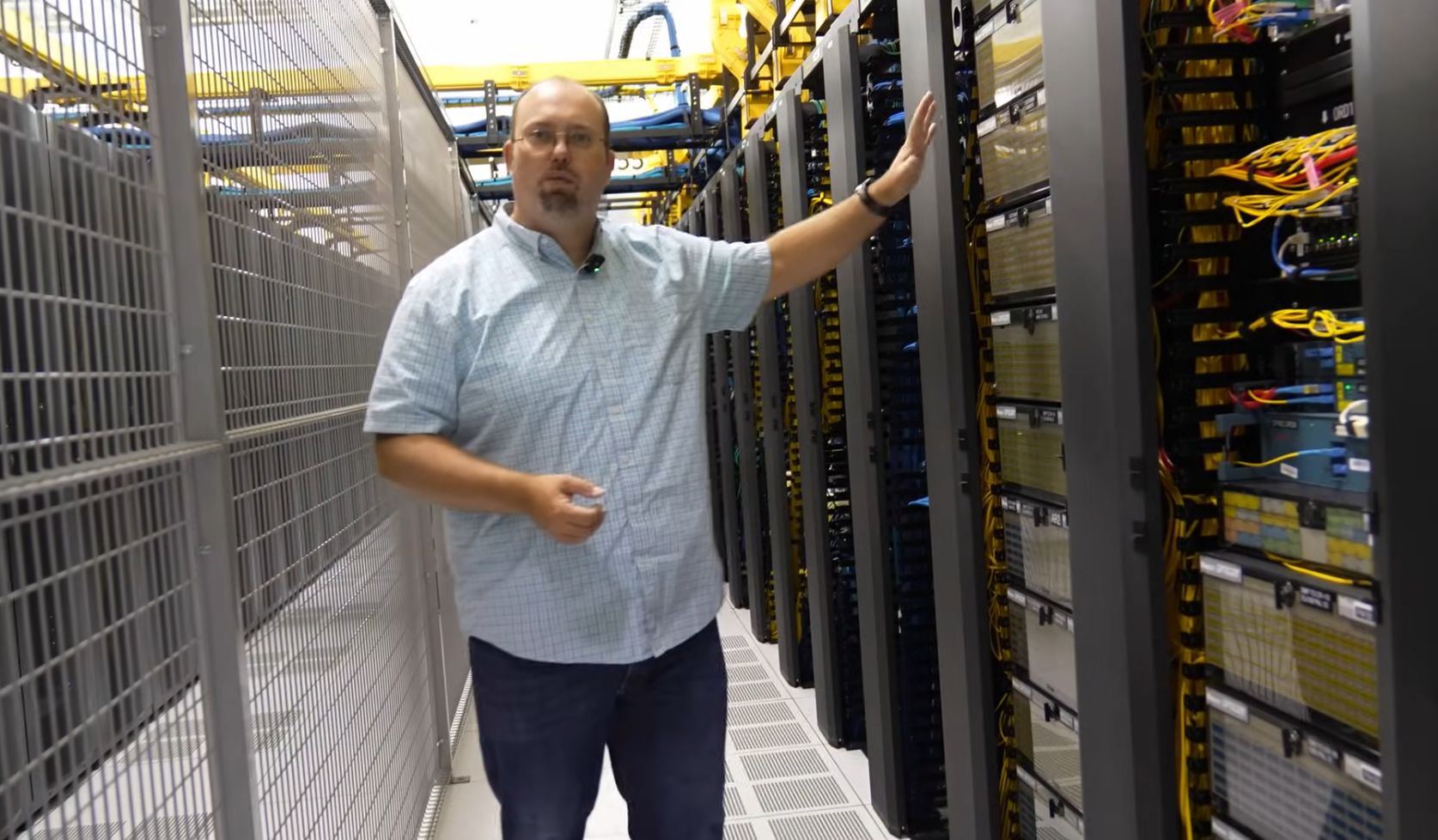
Meet-me rooms, fiber-distribution areas, cable pathways and cross-connect spaces require clear, controlled light. Technicians must read small labels, distinguish cable colors and trace connections without heavy shadowing.
Cable identification and color quality
Specify CRI of at least 80. CRI 90 is preferable where cable-color recognition is important. Consistent 4000–5000 K lighting helps maintain a stable visual environment across technical spaces.
Avoid using colored ambient light as the primary method of identifying network types. Cable jackets, labels, pathway separation and documentation should provide the identification system. Colored light can distort cable appearance and reduce visibility.
Fixture placement
Linear LED fixtures are effective for cable alleys and connectivity rooms when their beams are kept clear of trays. Do not mount general-purpose LED strips inside cable trays unless the product, wiring method, heat performance, access and fire requirements are approved for that installation.
Coordinate:
- Overhead ladder racks and fiber trays.
- Underfloor pathways.
- Cabinet doors and service clearances.
- Fire-suppression components.
- Cameras and security sensors.
- Emergency routes.
Recommended lighting level
Use 300–500 lux as a practical starting point for network and meet-me rooms. Check vertical illumination on frames, patch fields and cabinet faces. At detailed workstations, local task lighting may be more effective than raising the output of the entire room.
6. Network Hardware and Modularity Area
This section covers the main server environment, rack aisles and modular hardware zones.
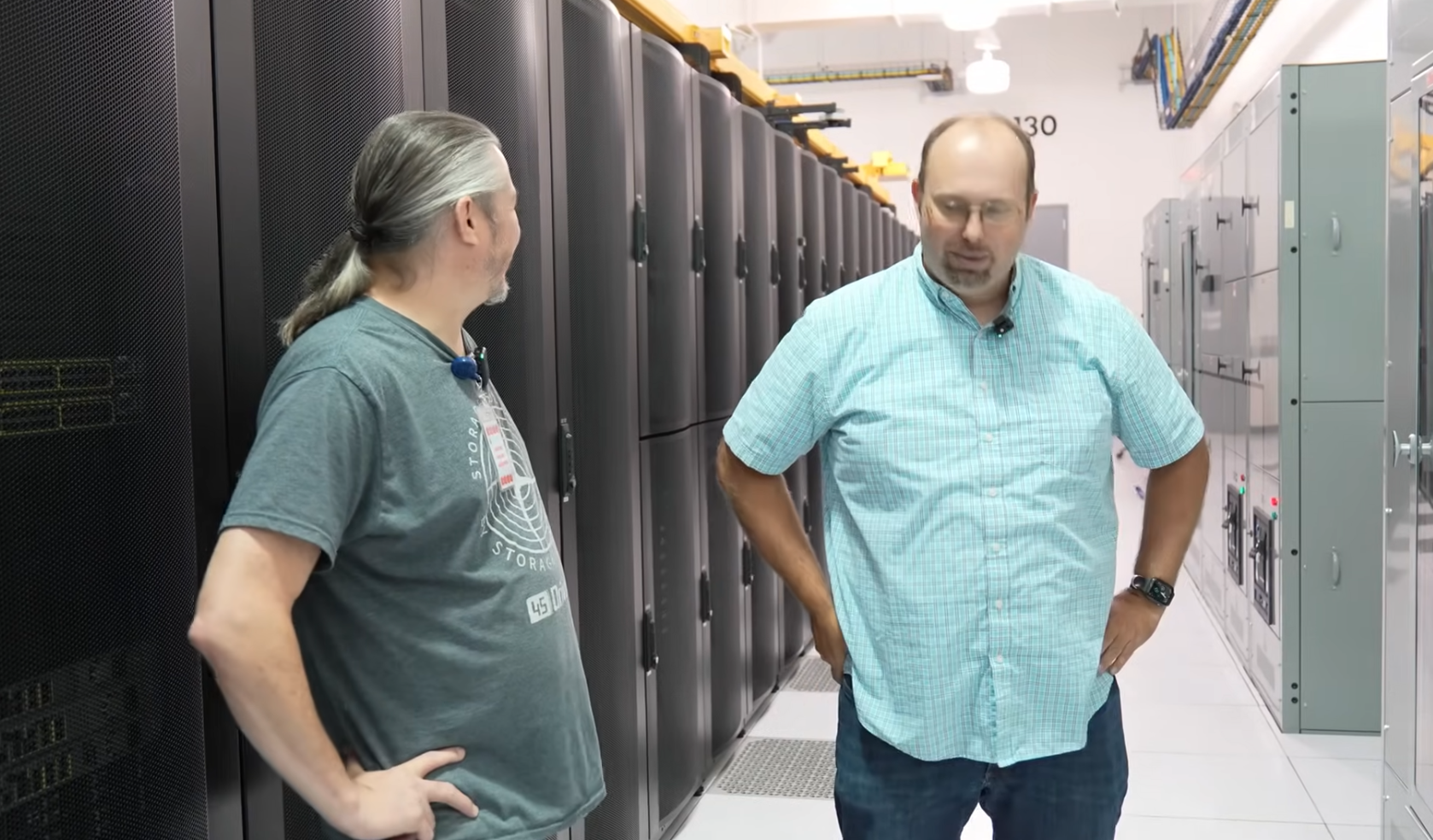
Server-aisle lighting requirements
Use 300–500 lux as a practical maintained target for server and equipment aisles. The calculation should include both horizontal illumination and vertical illumination on rack faces. Floor-level results alone cannot show whether technicians can read equipment labels, breaker markings and patch-panel information.
Model vertical illumination at representative lower, middle and upper points on the rack face. Include end-of-row positions, containment transitions and locations below large trays.
Should luminaires run parallel to rack aisles?
For long rack rows, linear luminaires normally perform well when installed parallel to the aisle. This supports continuous coverage and makes it easier to place the beam between overhead cable trays and busways.
Parallel alignment is not an absolute rule. A cross-aisle arrangement can work in some low-ceiling or modular rooms. The selected orientation must be proven with the actual room geometry and photometric file.
Where should the fixture sit?
Geometrically centering a fixture in the aisle does not always give the best rack-face visibility. If the luminaire sits directly behind a technician, the person may cast a shadow on the equipment. If it sits too close to the rack, the upper cabinet may be bright while the lower ports remain dark.
Test fixture offsets and beam distributions. In a wider aisle, two lower-output rows may provide better vertical coverage and lower glare than one very bright central row.
Cable trays, busways and containment
Overhead infrastructure is one of the most common causes of poor performance. A tray may look clear in plan but block the luminaire in section. Model racks, containment, trays, busways, ducts, sprinkler pipework and other major obstructions before finalizing the lighting positions.
Mounting height and spacing
Higher mounting provides wider coverage but reduces illuminance and can weaken vertical control. Lower mounting brings the source closer to the task but must preserve access, airflow and equipment clearances.
Spacing should be calculated from the exact IES or LDT file. A spacing-to-mounting-height ratio may help during concept design, but it cannot account for rack shadows and overhead systems.
Surface or suspended linear lighting
Suspended lighting is useful when the structural ceiling is high or congested. Bringing the source closer to the aisle can reduce required lumen output and improve rack-face illumination. Check seismic restraint where applicable, sprinkler coverage, cable-tray clearance, airflow and future rack changes.
CAE’s SeamLine LED Batten is the primary recommendation for rack aisles. It is available from 18–36 W, reaches approximately 150–160 lm/W, uses CRI 90 and supports surface or suspended mounting. Use the exact model’s photometric data in the final calculation.
Heat and energy
LED fixtures still convert most electrical input into heat within the space. The benefit comes from using fewer watts for the required illumination, not from producing no heat. An 18 W LED fixture adds approximately 62 BTU/h, while a 32 W fluorescent lamp adds approximately 109 BTU/h before ballast effects are considered.
Avoid overlighting. Correct optics, placement and controls reduce lighting power and the associated cooling load.
7. Cooling and Air Handling Systems
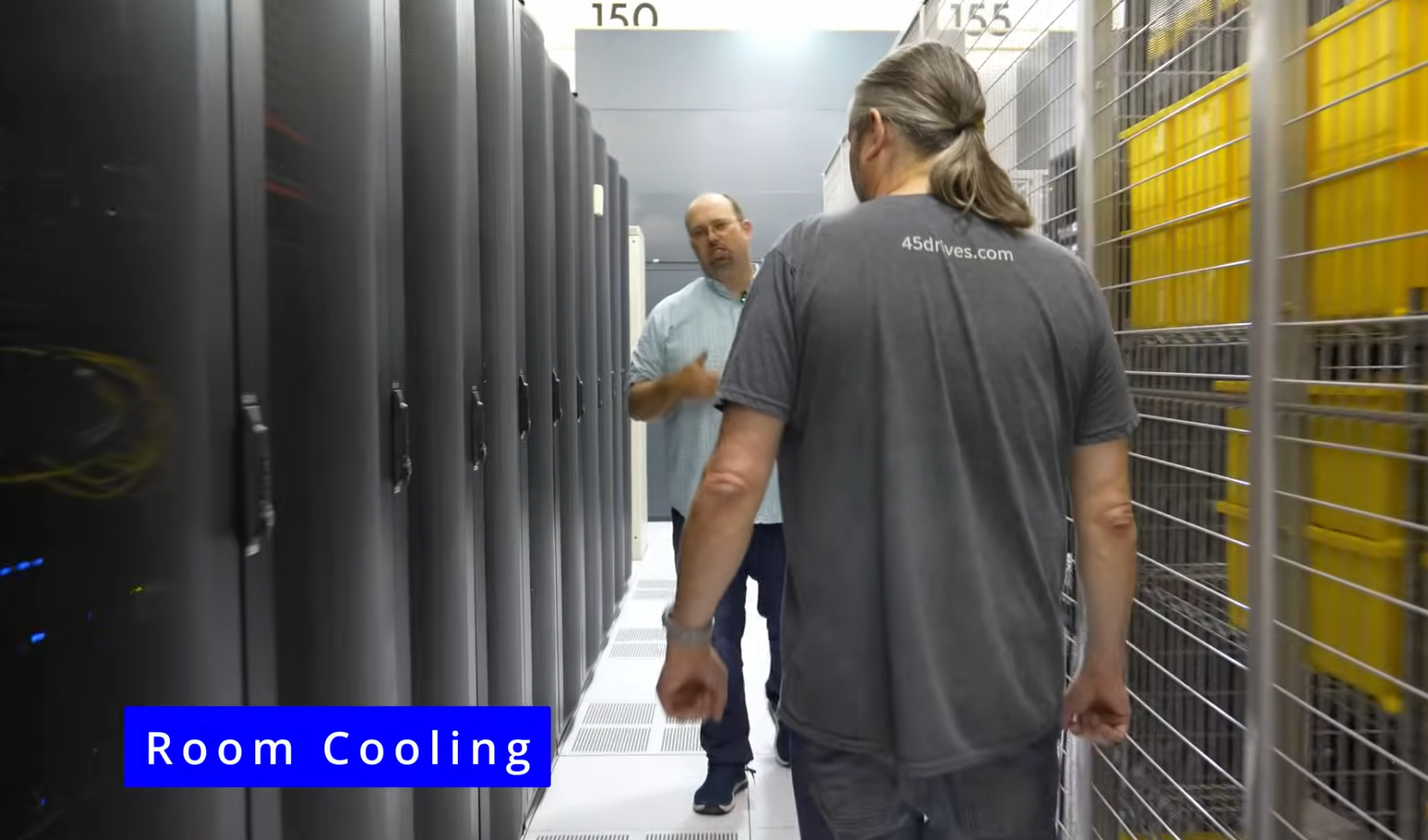
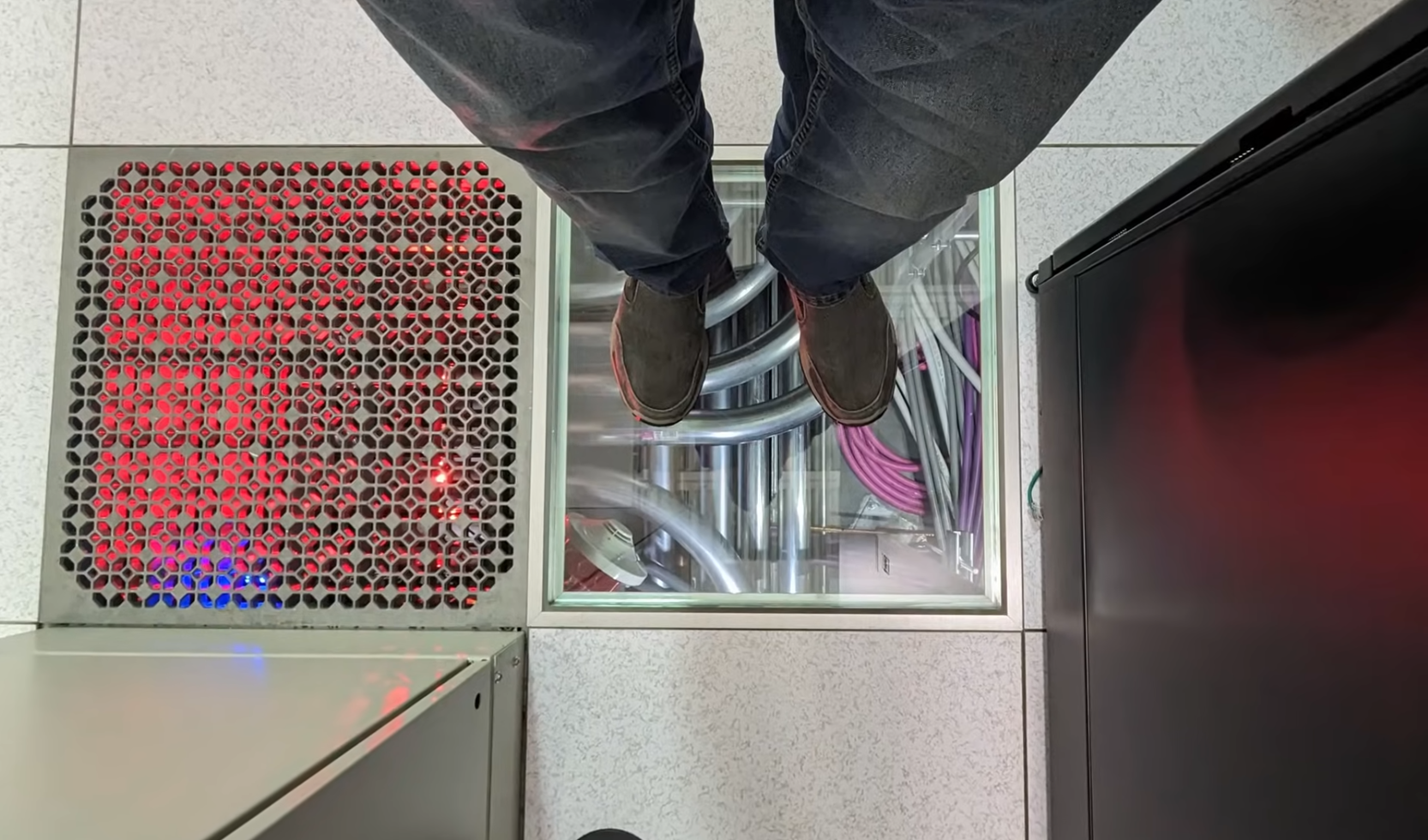
This section covers CRAC units, CRAH units, air-handling plant, duct-service zones and related equipment. Unlike water-side cooling plant, these areas require special attention to airflow paths, filters, service doors and sensor behavior.
Consistent maintenance lighting
Use approximately 200–300 lux for general access, increasing the level locally where technicians inspect filters, controls, condensate components or electrical connections. Position fixtures so open service doors do not block the light.
AeroLine IP66 is suitable where dust or moisture exposure justifies a sealed luminaire. In tall, open mechanical spaces, SquareBeam Elite may be considered where mounting height and photometric results support high-bay lighting. It should not be used automatically in narrow service aisles.
Sensors and airflow coordination
Occupancy sensors can reduce energy in infrequently entered plant areas. Position sensors so ducts and equipment do not hide technicians. Test detection while a person is stationary at a service panel, not only while walking through the doorway.
Do not place luminaires where they obstruct airflow, filter removal, access panels or lifting paths. Coordinate with the mechanical layout in both plan and elevation.
Emergency operation
Emergency lighting should support safe exit and any project-defined critical action. It does not need to reproduce full normal illumination throughout the plant room unless the emergency plan requires it.
8. Security and Access Control Areas
Security desks, mantraps, badge readers, turnstiles, loading entrances and perimeter access points require light that supports people, cameras and identification systems.
Visibility and camera performance
Provide clear vertical light on faces and identification points. Avoid deep backlighting, intense hotspots and rapid transitions that can reduce camera image quality. Coordinate the lighting spectrum, flicker performance and switching behavior with the CCTV system.
Bright cool-white lighting is not automatically better. Excessive contrast can hide facial detail or create reflections on glazed doors. Use controlled, uniform light and verify camera views under normal, dimmed and emergency conditions.
Tamper resistance
Use robust, tamper-resistant fixtures where occupants can reach the luminaires or where deliberate interference is a credible risk. Consider IK rating, secure fasteners, protected wiring and monitored control equipment.
Integrated controls
Lighting may respond to access events or alarms, but normal safety lighting should not depend entirely on a security software connection. Define local behavior if the integration network fails. Keep emergency operation separate from convenience scenes.
9. Data Center Lighting Requirements by Area
The first eight sections explain the facility zone by zone. This table consolidates the main design targets.
| Area | Maintained illuminance | Main design factor | Typical CAE solution |
|---|---|---|---|
| Cold aisles and rack fronts | 300–500 lux | Vertical rack-face illumination | SeamLine LED Batten |
| Hot aisles | 200–300 lux | Heat exposure and access | SeamLine or suitable thermal-rated linear fixture |
| Network and meet-me rooms | 300–500 lux | Cable and label identification | SeamLine LED Batten |
| Electrical and UPS rooms | 300–500 lux | Panel visibility and emergency operation | Linear fixture or Budget High Bay where height justifies it |
| Control room or NOC | 500–750 lux | UGR below 19, screen reflections and dimming | Low-glare panels or linear fixtures |
| Corridors | 100–200 lux | Uniformity and controls | Linear or panel lighting |
| Cooling and mechanical rooms | 200–300 lux | IP rating and access | AeroLine IP66 |
| Tall technical halls | Project calculation | Mounting height and glare | SquareBeam Elite where justified |
| Emergency egress | Code-defined | Minimum, duration and uniformity | Dedicated emergency fittings or approved emergency versions |
For more detail, see Illuminance Level Standards for Data Centers.
Additional luminaire criteria
| Parameter | Project target |
|---|---|
| CRI | ≥80; ≥90 where cable identification matters |
| CCT | 4000–5000 K |
| Glare | UGR <19 for control rooms where applicable |
| Ingress protection | IP54 typical; IP65–IP66 in humid or exposed spaces |
| Impact resistance | IK08 typical; IK10 where impact risk is higher |
| Lumen maintenance | L70 ≥50,000 hours |
| Power factor | ≥0.9 |
| THD | <20% |
| Surge protection | ≥2 kV; 6 kV preferred where electrical exposure justifies it |
These are specification targets, not a claim that every project must use identical values. The selected product code, optic, driver, emergency option and control interface must appear in the submittal.
10. Data Center Lighting Controls
Data center lighting controls should reduce idle-hour energy without introducing operational risk.
Zone-based control
Separate cold aisles, hot aisles, electrical rooms, cooling areas, loading spaces, corridors and control rooms where operating patterns differ. Avoid placing the entire server hall on one control channel.
Occupancy sensors
Sensors work well in intermittently occupied aisles and support rooms. Rack rows and containment can block detection, so sensor coverage should be tested with technicians in realistic working positions, including behind open cabinet doors.
Time delays and staged dimming
Short delays can leave a stationary technician in darkness. Choose the delay for the actual task. Where staged dimming is available, reduce output first and switch off later.
DALI and 0–10 V
DALI supports addressable luminaires, grouping, scenes, status reporting and recommissioning. It suits facilities requiring granular control and system feedback.
0–10 V works well for straightforward zone dimming where individual addressing is unnecessary. Confirm control compatibility, minimum dim level and wiring topology.
BMS integration
Define which system owns each command. Document zone names, normal behavior, unoccupied level, manual override, emergency behavior, network-failure state and alarm points. Local lighting should remain understandable if the BMS connection is unavailable.
12. Emergency Lighting
Emergency lighting is a life-safety system and should be designed with the egress and emergency-power strategy.
In many applications, emergency illumination is designed for at least 90 minutes. NFPA guidance also describes annual operation for a minimum of 90 minutes when testing battery capacity. Exact duration, illumination and transfer requirements must follow the adopted code and authority having jurisdiction.
Define the system clearly
Identify:
- Dedicated emergency luminaires.
- Normal luminaires fitted with approved emergency components.
- Maintained or non-maintained operation.
- Emergency source and circuit.
- Transfer behavior after loss of normal power.
- Rated emergency lumen output and duration.
- Local or central testing method.
Do not calculate emergency performance using normal lumen output. Emergency drivers often operate at a fraction of normal output.
Coordinate the source
Do not assume the IT UPS supplies lighting. Define whether the system uses integral batteries, a central inverter, a life-safety circuit, a generator-backed branch or another approved method. Confirm performance during transfer delays, generator start, control-network reboot and partial failure.
Commissioning
Test automatic operation, rated duration, egress illumination, exit-sign visibility, control response and status indication. Recheck emergency coverage after future rack or pathway changes.
13. Data Center Lighting Standards and Their Scope
No single document answers every data center lighting question. The project team must combine infrastructure standards, energy codes, workplace-lighting guidance, luminaire safety standards and life-safety requirements.
| Standard or code | Relevant scope | Important boundary |
|---|---|---|
| ANSI/TIA-942 | Data center architecture, power, cooling, telecommunications, fire protection, security, safety and monitoring | Not the sole source of every lux, glare or emergency requirement |
| NFPA 101 | Life safety, egress and emergency illumination where adopted | Not a complete normal-lighting guide |
| ASHRAE/IES 90.1 | Building energy efficiency, including lighting power and controls | Not a complete data center infrastructure standard |
| ASHRAE 90.4 | Data center energy efficiency | Not a luminaire safety or workplace-lighting standard |
| IECC | Model energy code, subject to local adoption and amendment | A published edition does not automatically apply everywhere |
| EN 12464-1 | Quantity and quality of indoor workplace lighting | Not a data center resilience standard |
| EN 50600 / ISO/IEC 22237 | Data center facilities and infrastructure | Not one universal rack-aisle lux requirement |
| IEC 60598-1 | General luminaire safety requirements and tests | Does not prove project lux, controls or emergency performance |
TIA-942
ANSI/TIA-942-C covers physical data center infrastructure, including architecture, telecommunications, power, cooling, fire protection, physical security, safety and monitoring. Use it to coordinate lighting with the wider facility and resilience strategy.
Official reference: TIA’s ANSI/TIA-942 Standard
ASHRAE/IES 90.1 and ASHRAE 90.4
ASHRAE/IES 90.1 establishes energy-efficiency requirements for most sites and buildings and includes lighting-power and control provisions. ASHRAE 90.4 addresses the distinctive energy requirements of data centers. Confirm the editions adopted for the project.
Official references: ASHRAE Standard 90.1 and ASHRAE data center standards and resources
IECC
The IECC is a model energy code. States and local jurisdictions can adopt and amend different editions. DOE’s COMcheck supports compliance checks for applicable IECC and ASHRAE 90.1 editions.
Official reference: DOE COMcheck
EN 12464-1
EN 12464-1 addresses the quantity and quality of light for indoor workplaces. Map the actual task and room type to the standard rather than assuming one universal data center value.
Reference: BS EN 12464-1:2021 scope
IEC 60598-1
IEC 60598-1 specifies general safety requirements for luminaires. Project compliance may also require relevant particular standards and national or regional certifications.
Official reference: IEC 60598-1:2024
14. Practical Data Center Lighting Design Example
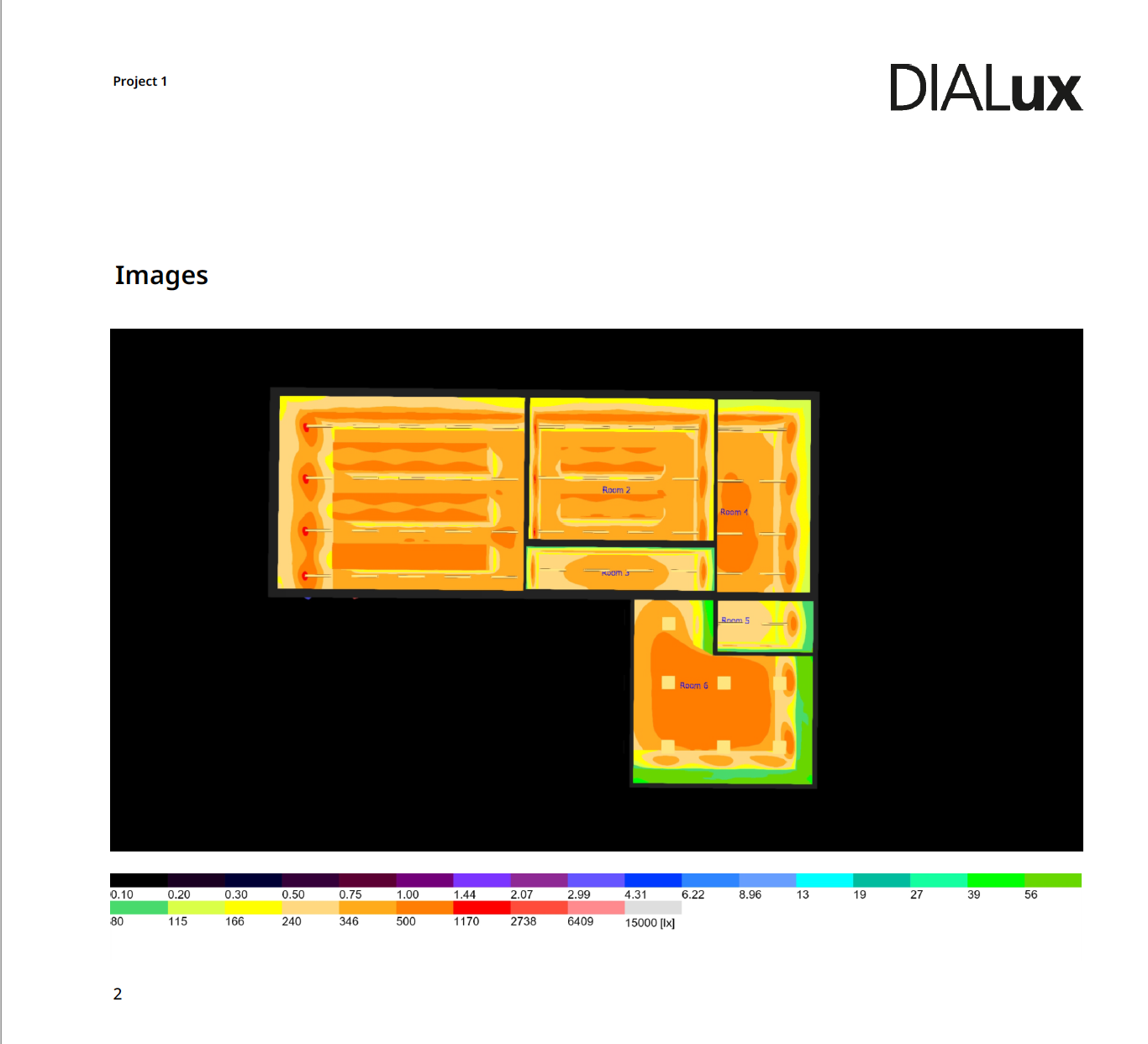
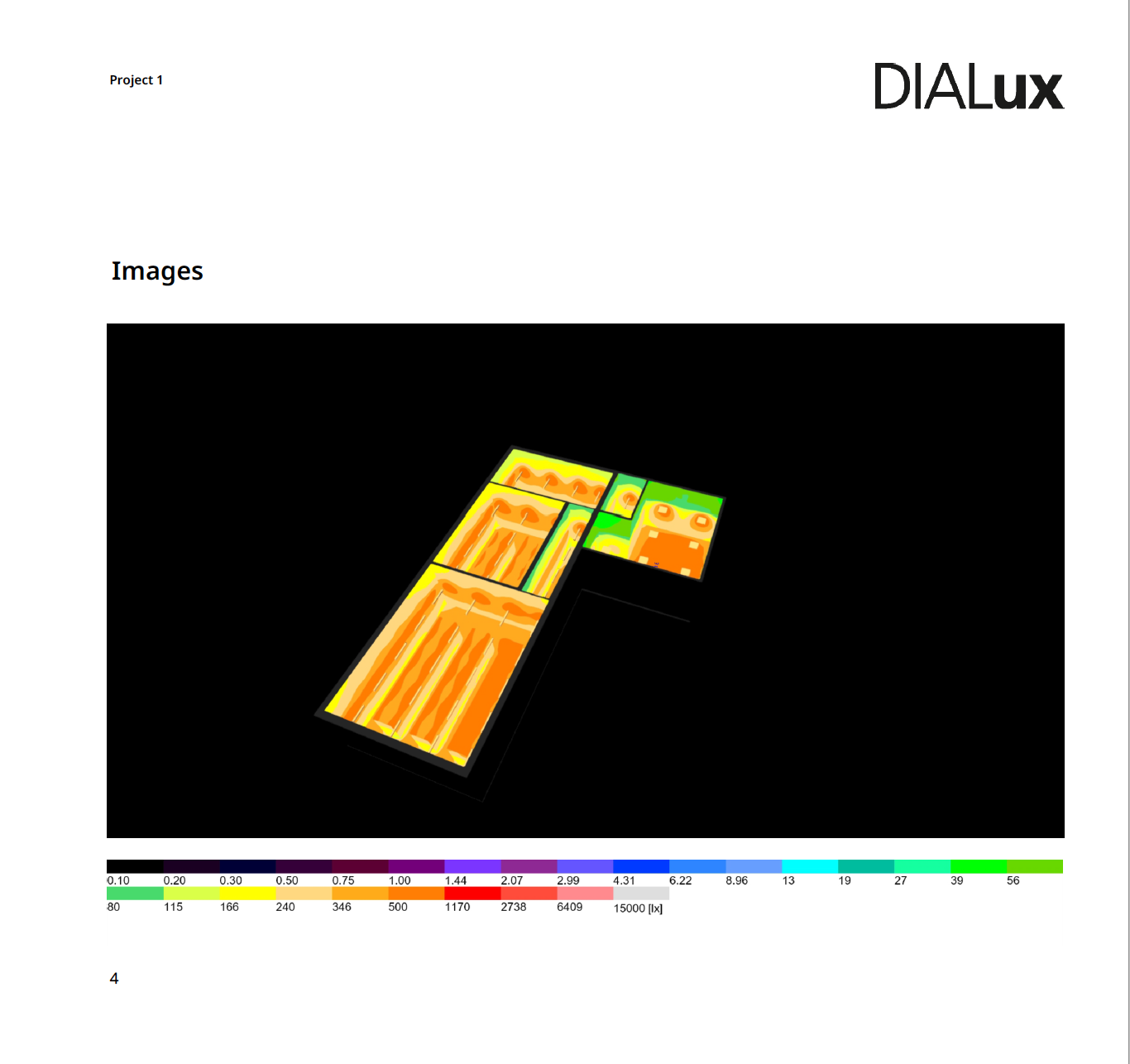
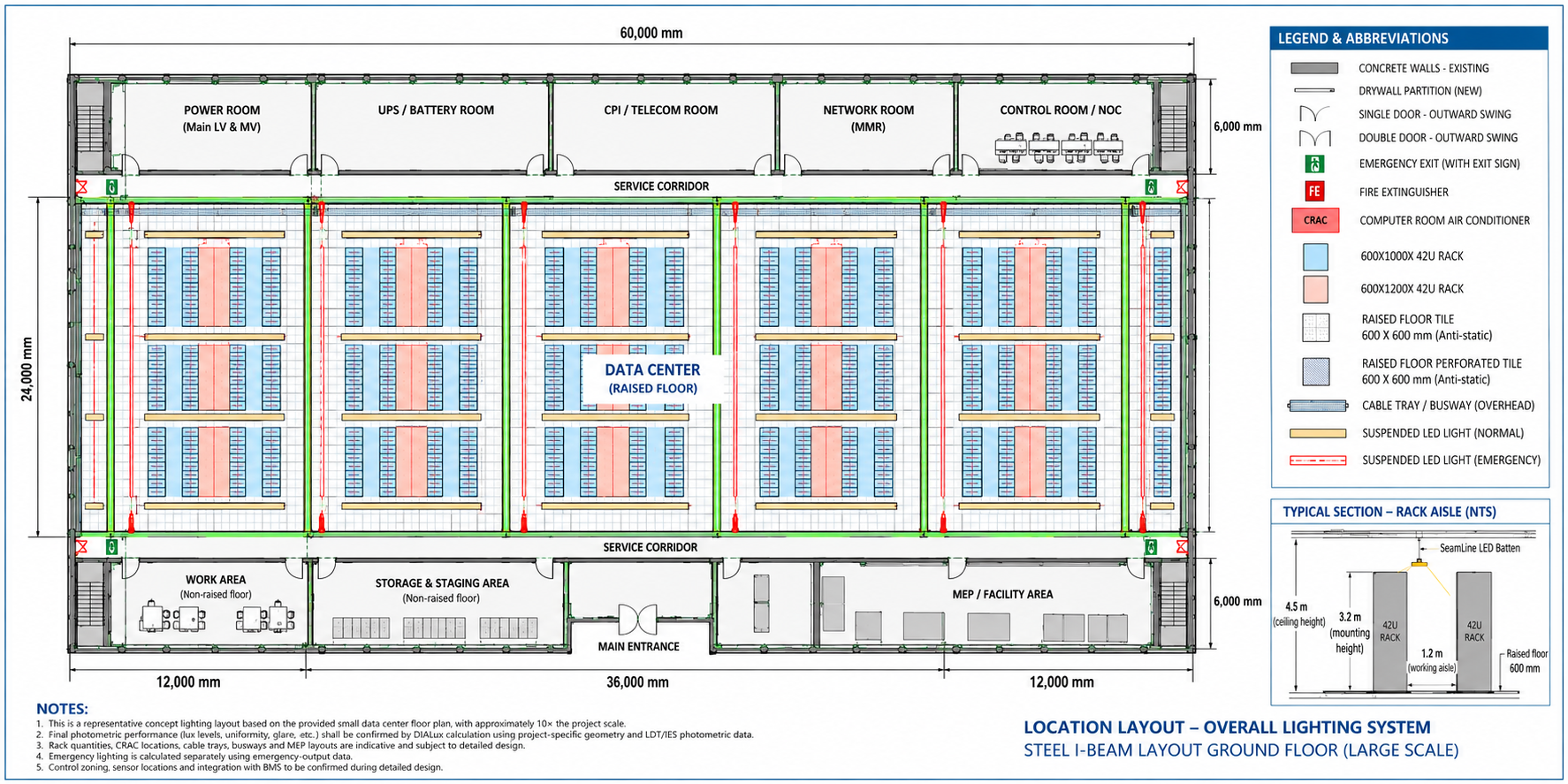
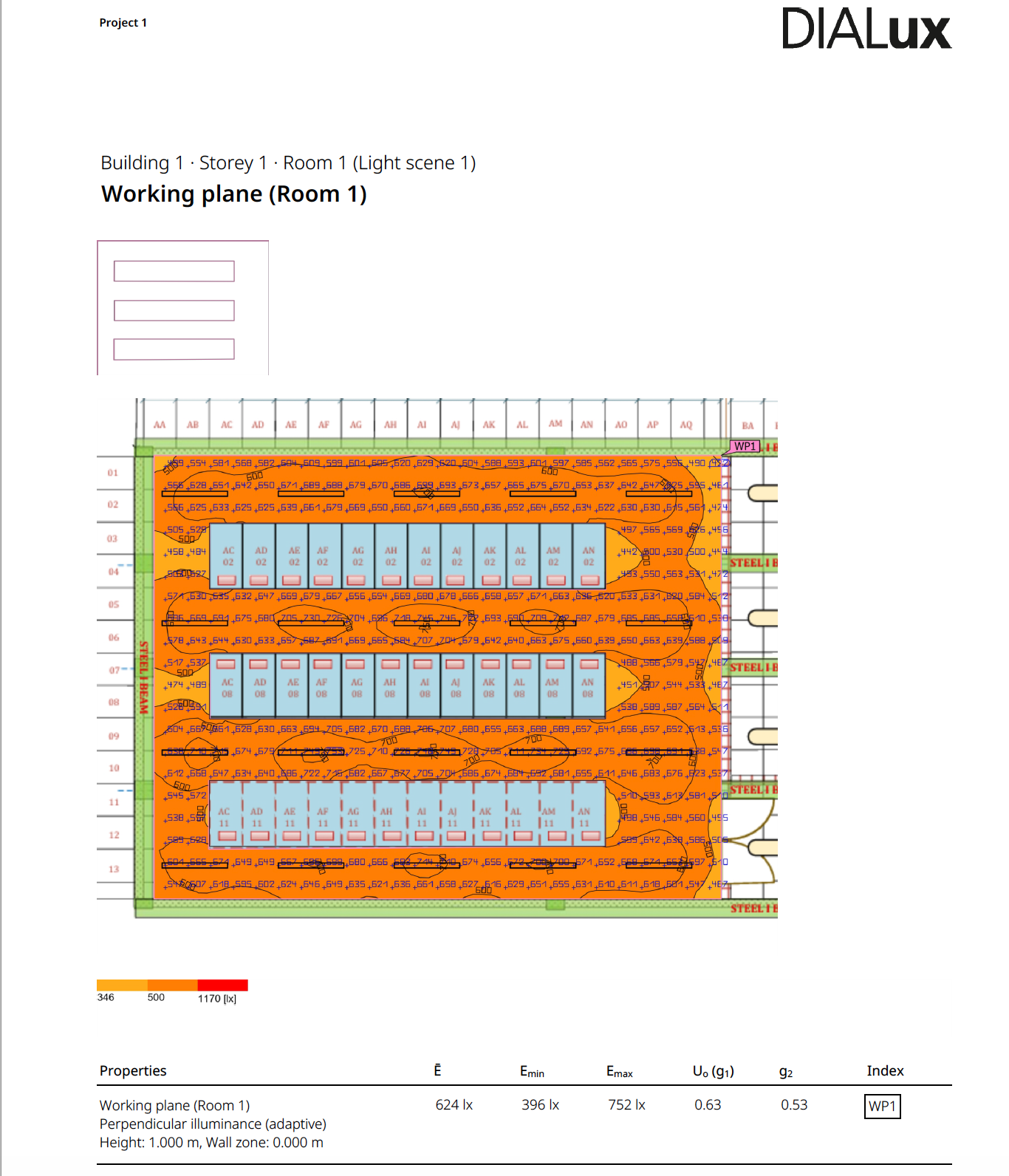
This is a representative design-development example, not a substitute for a project-specific Dialux or equivalent calculation.
| Input | Representative value |
|---|---|
| Room use | Server hall with contained rack rows |
| Rack height | 2.2 m |
| Clear aisle width | 1.2 m |
| Structural ceiling | 4.5 m |
| Luminaire mounting height | 3.2 m above finished floor |
| Normal target | 300–500 lux maintained in the working aisle |
| Vertical target | Project-defined maintained illumination on rack faces |
| CCT | 4000 K |
| CRI | ≥80 |
| Fixture | SeamLine linear LED batten |
| Concept output | Approximately 4,500–5,500 lm per fixture, subject to selected model |
| Orientation | Parallel to rack rows |
| Initial spacing trial | 2.4–3.0 m centers, then optimized photometrically |
| Normal control | Occupancy sensing, staged dimming and manual override |
| Emergency arrangement | Approved emergency versions or dedicated emergency luminaires |
15. Common Data Center Lighting Mistakes
Designing only to floor lux
Floor readings do not prove that technicians can read rack labels. Calculate and measure vertical illumination.
Ignoring overhead pathways
Cable trays and busways can create continuous shadows. Coordinate them before installation.
Setting sensor delays too short
A stationary technician can be left in darkness. Test sensor coverage and delays using real maintenance tasks.
Claiming compliance from one standard
Infrastructure, workplace lighting, energy, luminaire safety and emergency egress are governed by different documents.
16. Frequently Asked Questions
What is the recommended lux level for a data center?
A practical starting point is 300–500 lux for server and equipment aisles, 100–200 lux for corridors and 500–750 lux for control rooms. Final values depend on the task, measurement plane, owner requirements and locally adopted standards.
What color temperature is best for data center lighting?
Most projects use 4000–5000 K. The design should also control glare and keep color appearance consistent.
What CRI should data center light fixtures have?
CRI 80 is a common baseline. CRI 90 is preferable where technicians identify cable colors, labels and small equipment details.
Should data center lights run parallel to server aisles?
Linear fixtures usually perform well parallel to long rack aisles because they provide continuous coverage and can be coordinated between cable pathways. Verify the orientation with the actual geometry and photometric file.
Which lighting controls work best in data centers?
Use zoning, occupancy sensing, appropriate time delays and manual override. DALI supports addressable control and feedback. 0–10 V works well for simpler zone dimming.
Does TIA-942 specify every data center lighting requirement?
No. TIA-942 is a broad infrastructure standard. A complete design may also need workplace-lighting guidance, energy codes, luminaire safety standards, emergency rules and local codes.
Do data center emergency lights need 90 minutes of backup?
Ninety-minute operation is common in US life-safety applications, but the legally required duration and illumination depend on the adopted code and authority having jurisdiction.
How do cable trays affect a data center lighting layout?
Trays, busways and containment can block the primary beam and create shadows on rack faces. Include them in the model and coordinate fixtures in both plan and section.
What information is needed for a preliminary data center lighting design?
Provide the floor plan, rack layout and height, aisle width, mounting height, cable-tray and busway locations, target lux, emergency requirements, supply voltage, control preference and project standards.
Plan a Data Center Lighting Layout with CAE Lighting
CAE Lighting supports data center contractors, M&E teams and operators with fixture selection, photometric simulation, control planning, emergency options, a preliminary bill of materials and installation-layout recommendations.
Send the floor plan, rack layout, mounting height and target lux levels to receive a preliminary lighting recommendation.
Contact CAE Lighting
We would like to extend our sincere thanks to Lawrence Systems for their comprehensive video, “Data Center Tour & Technical Deep Dive into the Power, Data, and Cooling Infrastructure,” which provided us with invaluable insights into the intricate workings of a data center’s entire system. This deep dive into the power, data, and cooling infrastructure has enabled us to refine and enhance our lighting solutions specifically for data centers. Armed with this knowledge, we are better equipped to offer lighting designs that not only improve operational efficiency but also contribute to our ongoing commitment to achieving a zero carbon footprint.